
Use our free Break-Even Calculator to find out how many sales you need to cover your business costs. Enter your fixed costs, selling price and cost per sale to see the break-even point in both sales and turnover. Suitable for sole traders and limited companies.
Break-Even Calculator
Find out how much you need to sell to cover your business costs.
Your break-even figures
Sales are rounded up to a whole number. The turnover figure may therefore leave a small profit rather than exactly £0. Figures exclude VAT and tax and assume a consistent selling price and variable cost.
What is a break-even point?
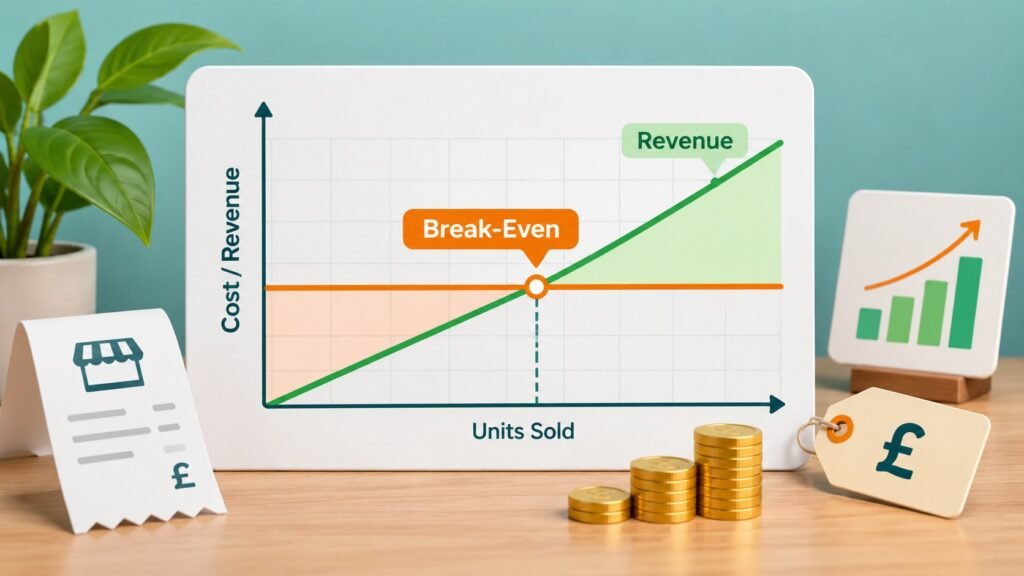
Breaking even means you’ve sold enough to pay your costs, but haven’t yet made a profit. For a shop or other business selling individual products, the question is how many items you need to sell. For a service business, it might be how many jobs or appointments you need to complete.
Say your monthly overheads come to £2,000. You charge £50 for each sale and spend £20 supplying it. That leaves £30 a sale to put towards your overheads. You’d need to make 67 sales in the month to cover your costs. Those sales would bring in £3,350 and leave you with £10 profit before tax.
What costs should you include?
Fixed costs are costs you have to meet regardless of how much you sell. Think premises rent, insurance, software subscriptions and regular salaries. Enter the total for the period you’re looking at – monthly costs if you’re working out a monthly break-even point.
Variable costs are what you spend each time you make a sale. For a retailer, that could be stock, packaging and card fees. For a tradesperson, it might be materials bought for a job. Enter the cost of one typical sale, rather than the total for the month. Our guide to sole trader accounts covers recording income and expenses if you’re getting started.
How to use the calculator
Start with your fixed costs for a month or year. Then enter what you charge for one sale and how much that sale costs you directly. The calculator works out how much each sale puts towards your fixed costs and the minimum number you’ll need to cover them.
This works best when you sell one product or service, or when your sales tend to have similar prices and costs. If your prices vary a lot, use a representative average and treat the result as a rough guide. Don’t mix monthly overheads with annual figures.
What if you can’t break even?
If it costs £50 to supply something you sell for £50, you’re not making anything towards your rent or other fixed bills. If it costs more than £50, you’re losing money on every sale before overheads. Unless you can raise your prices or cut those direct costs, increasing sales won’t solve the problem.
To see how profitable the business is beyond break-even, try our Profit Margin Calculator. It works out gross and net profit margins using your turnover and expenses. If you’re unsure about the difference between sales and profit, see our turnover guide.