
Keeping on top of your accounts is one of those jobs that’s easy to put off when you’re busy running a business.
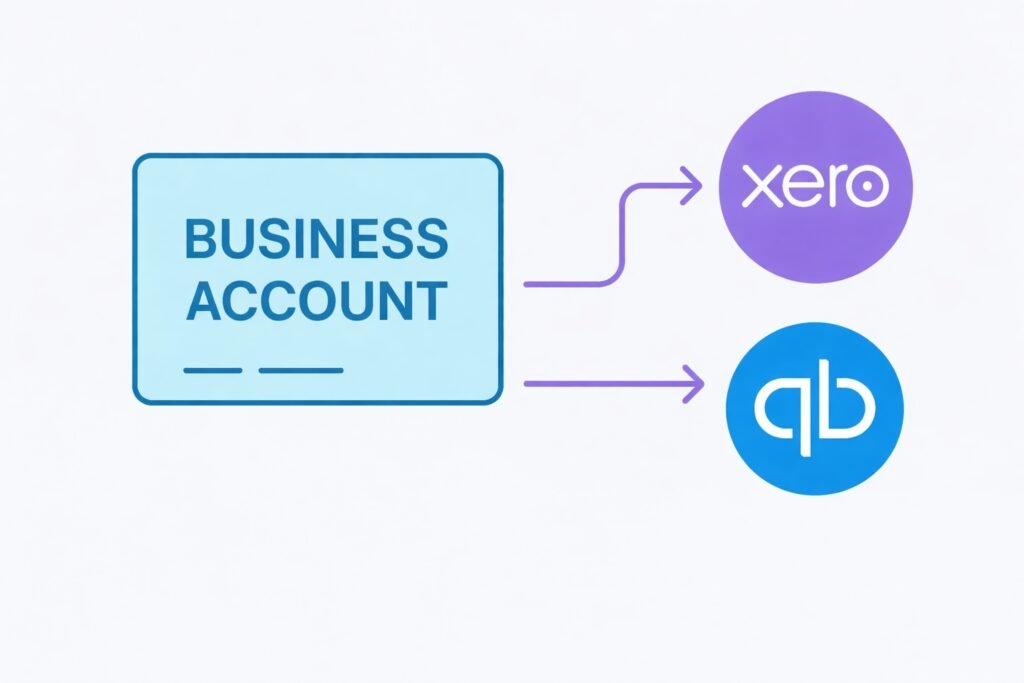
One way to reduce potential stress and ease your administrative burden is to connect your business bank account to your accounting software.
This is where modern digital banks like Tide and Zempler come into their own.
In this guide, we explain how these platforms interconnect and how connecting them will benefit your business.
1. Live bank feeds mean less manual input
At the heart of the integration between accounting and banking platforms are bank feeds.
Your bank will automatically send your transactions to your accounting software, so you don’t have to upload anything manually. No spreadsheet uploads.
Here are some facts about three of the leading software providers:
- Xero: Secure Open Banking link, updating transactions multiple times per day. You can reconcile payments, split expenses, and generate real-time cashflow reports.
- FreeAgent: Connects securely to business bank accounts using Open Banking, automatically imports transactions and helps you reconcile income and expenses with minimal manual input. It also supports invoicing, expense tracking and Making Tax Digital.
- QuickBooks: Bank feeds pull in income and expenses directly, allowing quick tagging and categorisation. Ideal for VAT-registered traders working under MTD rules.
Once the systems are connected, all of your transactions will sync in the background.
2. Match invoices and payments automatically
If you also use your accounting software to send invoices, Tide and Zempler can help you track when those payments come in. As funds are deposited into your account, they will be matched to the correct invoice.
This means it’s easy to spot any late paying clients early.
3. No need for technical knowledge
You don’t need a technical or accounting background to set up the connection between your bank and accounting software.
Here are the typical steps to take.
- Open your accounting software and go to the banking section. The exact steps vary slightly between providers, but in Xero, for example, this is usually under “Accounting”, then “Bank accounts”.
- Select Tide or Zempler from the list of providers. Both banks appear on the Open Banking provider list. Once you select your bank, the software will redirect you to a secure authorisation screen.
- Log in securely and approve the connection. You sign in using your normal online banking credentials and give permission for the accounting software to access your transaction data. Importantly, the access you provide is read-only.
- Choose which bank account(s) to link to. If you have more than one business bank account, e.g. a current and savings account, you can select as many as you’d like to synchronise with your online account.
Once you’ve set up the connection, your transactions will be uploaded on a regular basis – sometimes several times per day.
You review each imported transaction and allocate it against the correct invoice or expense. Where the amount and reference line up, the software will usually suggest the match.

Free business account – no credit check. Ideal for sole traders.
If the Open Banking authorisation expires (it is normal), the software will flag that you need to renew the feed. This process is simple and can be completed in a minute or so.
4. Making Tax Digital and digital records
From 6 April 2026, sole traders and landlords with a total qualifying income above £50,000 will be subject to Making Tax Digital for Income Tax. The threshold reduces to £30,000 from April 2027.
If you fall within scope, you have to maintain digital records and submit quarterly updates to HMRC via compatible accounting software.
Although there is no statutory requirement to maintain a live bank feed, doing so without one usually means manually uploading your transactions, which is time-consuming and more error-prone.
If your business bank account already connects directly to Xero, FreeAgent or QuickBooks, transaction data is captured digitally at source and forms part of your ongoing quarterly record.
You can read our full guide to MTD here.
Choosing the right providers
For almost any type of business, using digital accounting software is a no-brainer. It’s essential if you need to comply with MTD.
If you are deciding which accounting system is best for your business, read our guide to the best software for the self-employed – all of the leading providers have good-value introductory offers, including FreeAgent, which offers ByteStart readers a 30-day free trial and 10% off for life.