
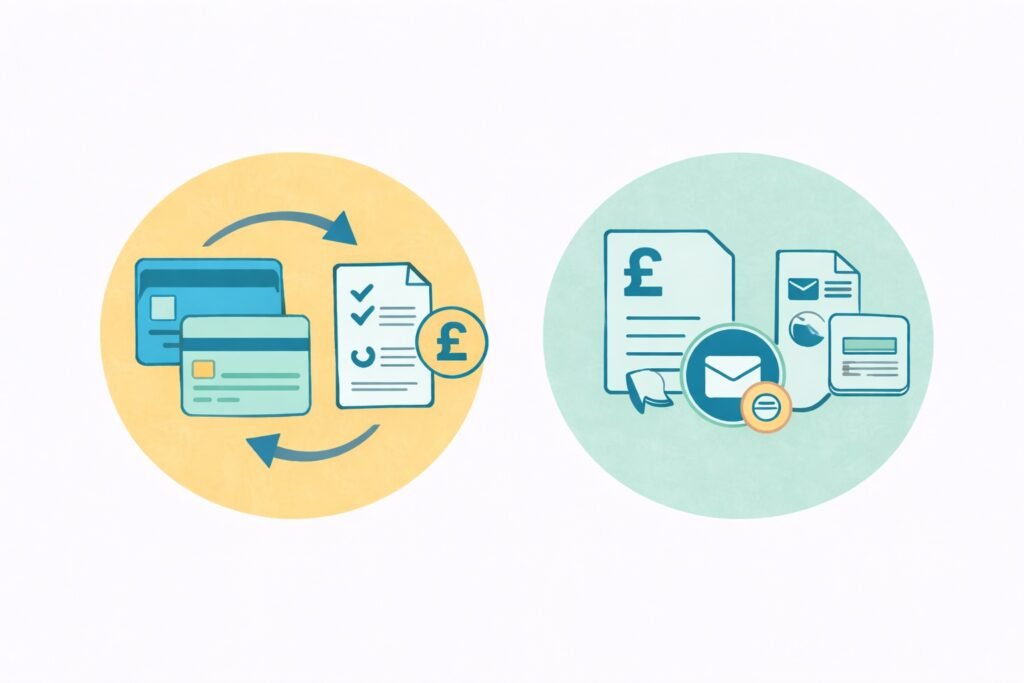
Switching business bank accounts is usually straightforward, whether you trade as a sole trader or through a limited company. But plenty of business owners put it off, even when their current provider isn’t up to scratch.
The biggest concerns are usually missed customer payments and problems with Direct Debits during the switch.
However, switching is rarely that disruptive if you take a few preparatory steps first.
If both banks support the Current Account Switch Service and your business is eligible, the actual switch takes seven working days from the agreed start date. Opening the new account and completing checks can take additional time.
Limited companies can switch too. The new bank must accept the company and complete its checks on the business and authorised people. If both accounts are eligible for the Current Account Switch Service, the transfer can be managed through that scheme; otherwise it may need to be done manually. Keep the company’s payment records and accounting software feeds up to date.
Can sole traders and limited companies switch business bank accounts?
Yes. Sole traders can switch business bank accounts at any time. There is no restriction on changing providers, and you don’t have to explain your decision to your current bank.
Because a sole trader and their business are legally the same person, switching is often simpler than for limited companies.
However, you do need to prepare in advance.
If you are unsure whether you should use a business account, read this guide: Do you need a separate bank account as a sole trader?
You may also want to read our main guide to choosing a sole trader bank account.
Common reasons for making a change
There are so many reasons why you might want to switch banks. Common reasons include high fees (or fee hikes), poor online banking tools, slow customer support, limited features, or problems integrating with accounting software.
As your business grows, you may have outgrown your current provider, particularly if you’re processing more transactions and paying a fee each time. Many free accounts offer only a limited number of free transactions.
If ongoing fees and costs are an issue, see how to reduce your business bank charges.
Others switch to improve record-keeping, particularly if your current provider has difficulty integrating with your chosen accounting software.
You can compare software providers in our guide to accounting software for sole traders.
Choose a new bank first
Before switching, you need to decide what you need from your next account.
Many sole traders now choose digital providers because they are quick to open and easy to manage.
Common options include ByteStart partners Tide, ANNA Money, and Zempler.
High-street banks may still make sense if you handle cash regularly or prefer branch access, but it might take over a week before your account is set up, compared to under an hour in some cases with digital providers.
Find out how long it takes to open a sole trader business bank account.
What you need to do before you change providers
Check recent bank statements and list anything linked to your current account, including:
- Client payments and standing invoices
- Direct Debits for software, insurance, or subscriptions
- Standing orders
- HMRC payments for tax or VAT
If you use accounting software, check whether your new bank integrates directly or supports easy imports. These days, this is essential.
Opening the new bank account
Unless there’s a reason not to, you’ll usually open a new account before you shut down your current one.
Digital providers typically request a photo ID, your address, and a brief description of your business.
Some digital accounts can be opened quickly, but applications may take longer if a bank needs further identity, ownership or company checks.
You can open a business account even if you have not yet started trading.
See opening a business bank account before you start trading.
Moving payments and income
As soon as your new bank account is live, you need to update all of your previous payment details.
This usually includes:
- Updating invoices and payment instructions for your clients.
- Changing bank details on online platforms or marketplaces.
- Updating HMRC Direct Debit details if applicable.
Does the Current Account Switch Service apply?
The Current Account Switch Service also covers eligible business current accounts, including sole traders and limited companies.
Businesses generally qualify if they have fewer than 50 employees and annual turnover of no more than £6.5 million, provided both banks participate. Check the scheme’s business eligibility rules and whether the accounts are supported.
If your account is eligible and you choose to use the service, your old account is normally closed automatically as part of the process. For that reason, many sole traders prefer to move payments manually so they can run both accounts in parallel for a short time.
While a manual move takes slightly longer, it gives you more control and reduces the risk of missed income.
Running two accounts at the same time
It is common – and very sensible – to run both accounts in parallel for a short period.
This helps catch late payments or forgotten Direct Debits and confirms that everything has moved across cleanly.
You can read more about whether you can operate more than one account in our guide to multiple business bank accounts as a sole trader.
During this time, direct all new income into the new account and avoid using the old one unless necessary.
Closing the old account
Once you are confident that all payments and subscriptions have been transferred, you can close the old account.
Before doing so, download and save statements for your records. Sole traders must keep business records for at least five years after the 31 January filing deadline for the relevant tax year.
See how long you need to keep tax records.
Common problems when switching
You can avoid teething problems by keeping both accounts open for a period and carefully reviewing a checklist to ensure you’ve updated your customers, HMRC, payment platforms, direct debits, standing orders, and connected accounting software.
In fact, you’re not switching in the traditional sense – from one to the other.
You will have two accounts for a while, and you don’t need to shut down your current one until your new one is up and running.